
7 Best AI Colour Palette Generators to Elevate Branding in 2026
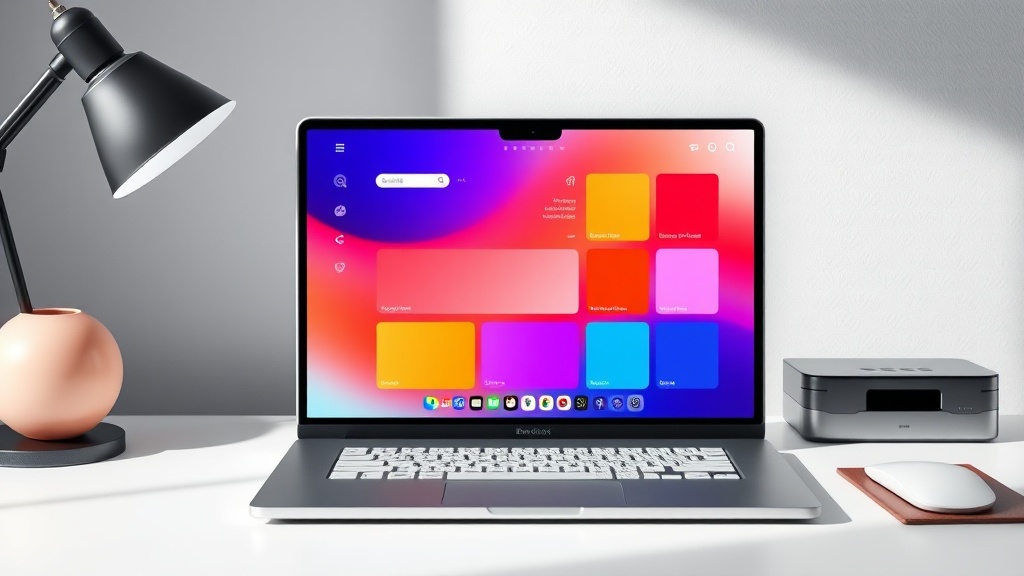
Finding the perfect balance of hues for your user interface or brand identity can be a time-consuming process, but the best AI colour palette generators now automate the heavy lifting while maintaining professional design standards. These tools leverage machine learning to understand color theory, contrast ratios, and emotional psychology, allowing designers to generate cohesive schemes in seconds rather than hours. Whether you are building a SaaS dashboard or a luxury lifestyle brand, integrating AI into your workflow allows for rapid iteration and a more data-driven approach to visual aesthetics.
Why Designers are Switching to AI-Driven Palettes
Traditionally, designers relied on manual color picking or static sites that offered pre-made swatches. While effective, these methods often lacked the flexibility to adapt to specific brand requirements or accessibility standards. AI-powered generators have changed the game by offering context-aware suggestions. Instead of just giving you a random set of colors, these tools analyze your brand’s personality, the industry you operate in, and the specific UI components (like primary buttons, text, and success states) to suggest a balanced palette that is both functional and aesthetically pleasing.
The transition to AI in the design phase is not about replacing human creativity; it is about removing the friction of experimentation. By offloading the tedious task of hunting for the "perfect shade of blue," designers can focus on the bigger picture: how the user feels when they interact with the product. When you use an AI generator, you are essentially tapping into a database of millions of successful design combinations, ensuring that your choices have a foundation in proven design logic.
1. Adobe Color: The Industry Standard for AI Integration
Adobe Color remains the titan in the room for a reason: its seamless integration with the Creative Cloud ecosystem. Using the "Extract Theme" feature, you can upload a reference image or a mood board, and the AI will pull a harmonious palette based on color theory rules like monochromatic, triad, or compound. It is particularly useful for UI designers who need to export these themes directly into Illustrator or Photoshop for wireframing.
Beyond simple extraction, Adobe Color offers an "Accessibility Tools" tab that is essential for UI/UX design. It checks for contrast issues in real-time, ensuring that your text color against your background satisfies WCAG standards. For branding, the tool allows you to save these themes to your Creative Cloud Libraries, making them instantly available across all your design applications. It is a robust, professional-grade tool that bridges the gap between raw inspiration and technical execution.
2. Khroma: The Personalized AI Color Engine
Khroma is arguably one of the most innovative tools for designers because it learns your personal preferences. When you first visit the site, you are asked to choose a set of colors you like. The AI then trains a neural network on your unique tastes to generate infinite palettes that align with your specific style. This is a game-changer for branding agencies that need to maintain a consistent "look and feel" across multiple client projects.
How to Leverage Khroma for UI Workflows
- Generate Pairs: Focus on two-color combinations that work well for buttons and backgrounds.
- Filter by Type: You can view your generated palettes as gradients, posters, or custom images to see how they look in a real-world context.
- Save and Export: Easily save your favorite combinations and export them as CSS code or Hex values for immediate use in your development environment.
3. Coolors: The Fast-Paced Generator
Coolors is the go-to tool for rapid-fire ideation. While it started as a simple color scheme generator, its AI features have matured significantly. Its "Generator" allows you to lock in one or two colors you love and hit the spacebar to have the AI suggest the remaining colors in the palette. It understands the relationships between shades, ensuring that the generated colors are not just random, but mathematically balanced.
One of the standout features for branding is the "Contrast Checker" and the ability to visualize the palette on a simulated website layout. This is crucial for UI designers who need to see how a "Call to Action" color will look in a navigation bar or a footer. By providing a preview of the color palette in a website wireframe, Coolors helps you avoid the common mistake of choosing colors that look great on a swatch but fail in a functional UI context.
4. Colormind: Deep Learning for UI Design
Colormind is a color scheme generator that uses deep learning to learn color styles from photographs, movies, and popular art. What makes it unique is its "UI" mode, specifically designed for web and mobile interfaces. When you switch to UI mode, the generator suggests colors for specific elements like headers, sidebars, and active states. It essentially acts as a design consultant, suggesting a hierarchy for your colors.
Comparison of Top AI Palette Generators
| Tool | Best For | Key AI Feature |
|---|---|---|
| Adobe Color | Professional Designers | Creative Cloud Sync & Accessibility |
| Khroma | Personalized Branding | Neural network based on user preference |
| Coolors | Rapid Ideation | Smart lock & spacebar generation |
| Colormind | UI/UX Structure | Deep learning for UI element hierarchy |
5. Huemint: AI-Powered Contextual Branding
Huemint takes a slightly different approach by focusing on "contextual" color generation. Most tools give you a palette of five colors, but Huemint shows you how those colors would look on a real website or a branding landing page. You can see how the primary, secondary, and background colors interact in a live preview. This is incredibly helpful for stakeholders who might struggle to visualize how a color palette translates into a finished product.
The tool uses a generative model that understands how brands use colors to guide user attention. It can suggest a "bold" palette for a startup or a "muted" palette for a corporate entity. By adjusting the "creativity" slider, you can tell the AI whether you want safe, industry-standard combinations or something more avant-garde and experimental.
6. Muzli Colors: The Designer’s Daily Feed
Muzli is well-known for its design inspiration feed, but its color generator is a hidden gem for UI designers. It allows you to create a palette and then immediately visualize it on a clean, modern UI mockup. This is perfect for those moments when you have a primary brand color but need help selecting the secondary and accent colors that complete the identity.
The tool also provides a "Palette from Image" feature that is highly accurate. If you find a brand aesthetic you admire, you can upload a screenshot or a mood board image, and Muzli will extract the color values and suggest a complementary palette. It is a streamlined, no-nonsense tool that integrates well into a fast-paced design workflow where time is of the essence.
7. DeepArt.io and Generative Art Tools
While not strictly "color palette" generators in the traditional sense, generative art tools can be used to extract unique palettes from complex imagery. By feeding a style-transfer AI an image that represents the "vibe" of your brand—such as a specific photograph of nature or architecture—you can extract a color palette that is truly unique and untethered from standard design trends.
Step-by-Step: Extracting a Palette from a Mood Board
- Curate your inspiration: Gather 3-5 images that represent the emotional goal of your brand.
- Upload to your chosen AI tool: Use an extraction tool like Adobe Color or Muzli.
- Refine the hierarchy: Identify which color should be the primary, secondary, and accent.
- Test for contrast: Use a built-in accessibility checker to ensure the primary and background colors are legible.
- Document and Export: Save your Hex, RGB, and CMYK values in a design system file like Figma or a brand guideline document.
Essential Tips for Professional Color Systems
When using these AI tools, remember that the AI is a collaborator, not the final decision-maker. Always check your color palettes for psychological consistency. For example, if you are building a financial application, you might want to lean into deep blues and teals, which signal stability and trust, rather than the energetic, high-contrast neons that an AI might suggest if you set its "creativity" slider too high.
Furthermore, always maintain a "neutral" base in your palette. A common mistake is using too many saturated colors. An expert designer knows that 60% of your UI should be a neutral, 30% a secondary color, and 10% an accent color. Most AI generators will allow you to adjust these ratios. Use the AI to generate the options, but use your human judgment to enforce the 60-30-10 rule for a professional, scalable design system.
Final Thoughts
The rise of AI-powered design tools has fundamentally shifted how we approach branding and UI development, turning what was once a subjective, trial-and-error process into a precise, data-backed discipline. By leveraging the tools discussed above, you can drastically reduce your design lead times and produce work that feels both modern and technically sound. Remember that the best results come from a hybrid approach—letting the AI handle the heavy lifting of color harmony and contrast while you provide the strategic vision and creative refinement. Experiment with these generators today to discover which interface best complements your existing design stack and watch your productivity soar.
Frequently Asked Questions
How do AI colour palette generators ensure accessibility?
Most professional AI tools include built-in WCAG contrast checkers. They analyze the luminosity ratio between foreground and background colors to ensure your branding remains readable for users with visual impairments.
Can AI tools create palettes based on my existing logo?
Yes, many modern AI generators allow you to upload an image or input a hex code. The algorithm then extracts dominant colors and suggests harmonious complementary or analogous shades to build a complete brand identity.
Are AI-generated palettes suitable for high-end commercial projects?
AI tools are excellent for ideation and speed, but they should be treated as a starting point. A senior designer should always refine the output to ensure the psychological impact of the colors aligns with the brand's unique market positioning.

Nethmina is the founder of AI Tools Wire and an AI software developer who builds automation tools and tests new AI products hands-on every week.
📬 Get new articles by email
Subscribe for the latest AI tools, guides, and tips. No spam — unsubscribe anytime.
Related Articles

7 Best AI Story Generators for Kids' Books to Create Magic in 2026
Unlock your creativity with the best AI story generators for kids' books. Discover tools to craft enchanting tales, stunning illustrations, and lasting memories.
7 Best AI Subject Line Generators to Boost Email Open Rates (2026)
Struggling with low open rates? Discover the best AI subject line generators to craft high-converting email hooks that grab attention and drive clicks today.

7 Best AI Chatbot Builders for Websites and Messaging Apps 2026
Discover the top AI chatbot builders for websites and messaging apps to automate support and boost conversions. Compare features, pros, and expert use cases.