
7 Best AI Reels Caption Writers to Boost Engagement in 2026
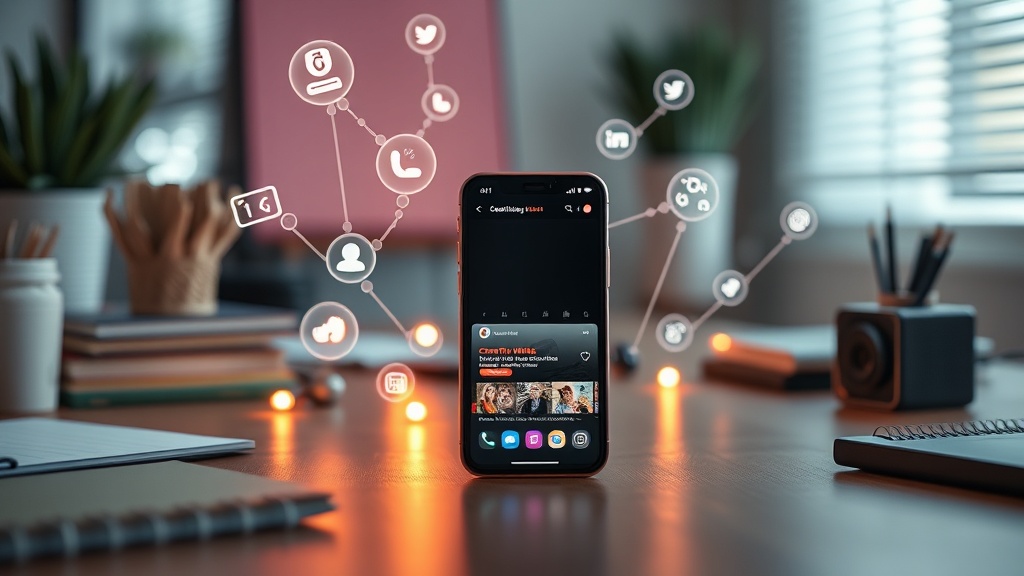
Finding the best AI Reels caption writers is the most effective way to scale your social media production without sacrificing quality or engagement. Whether you are a solo creator or managing a brand account, these intelligent tools transform average video content into viral opportunities by crafting hooks that force users to stop scrolling.
Why Creators Are Switching to AI for Caption Writing
The primary challenge for any content creator is the "blank page syndrome." Even after spending hours editing a high-quality video, many creators run out of creative steam when it comes to writing the caption. This leads to generic, low-effort text that fails to convert views into followers. AI caption writers solve this by leveraging Large Language Models (LLMs) that have been trained on millions of high-performing posts, allowing them to predict which words and phrases will trigger the most engagement.
Beyond just saving time, these tools act as a strategic partner. They can analyze your video transcript, identify the core value proposition, and suggest multiple caption variations—ranging from short, punchy hooks to long-form storytelling. By automating the mundane aspects of copywriting, you gain the mental bandwidth to focus on what really matters: strategy, community building, and high-level content planning.
Top 7 AI Tools for Reels and TikTok Captions
When selecting an AI Reels caption writer, you need to consider ease of use, platform-specific optimization, and the ability to customize your brand voice. The following tools have emerged as the industry standard for creators looking to maintain a consistent posting schedule without sacrificing performance.
1. Jasper AI
Jasper remains the heavyweight champion for long-form and short-form social media content. Its "Social Media Post" template is specifically engineered to understand the nuances of platforms like Instagram and TikTok, offering options to adjust the tone from "professional" to "witty" or "excited."
2. Copy.ai
Copy.ai excels in speed. If you have a massive library of video clips that need captions, their bulk-generation features are unmatched. It focuses heavily on "hook-driven" copywriting, ensuring that the first line of your caption is optimized to maximize the "more" button click-through rate.
3. Writesonic
Writesonic is particularly effective for creators who need captions that include trending hashtags and specific emojis. It integrates well with current social media trends, making it easier to stay relevant without manually researching what is currently performing well in your niche.
4. ChatGPT (Custom GPTs)
For those who want granular control, creating a "Custom GPT" inside ChatGPT is a game-changer. By uploading your previous high-performing captions as a knowledge base, you can build a personal assistant that writes exactly like you, every single time.
5. Lately.ai
Lately is unique because it uses AI to learn your specific brand voice by analyzing your past content. It doesn't just generate generic text; it repurposes your video transcripts into social-first copy that sounds like it came directly from your brand's unique personality.
6. Flick
Flick started as a hashtag tool but has evolved into a comprehensive social media management platform. Its AI caption assistant is deeply integrated with its analytics, meaning the captions it suggests are often informed by what has worked for your specific account in the past.
7. Notion AI
While primarily a project management tool, Notion’s integrated AI writing assistant is surprisingly robust for caption drafting. It is perfect for creators who manage their content calendar in Notion, allowing them to draft, edit, and schedule captions in the same workspace.
Comparison of Key Features
Choosing the right tool depends on your specific workflow. Use the table below to compare how these tools handle the most critical aspects of social media management.
| Tool | Best For | Tone Customization | Bulk Capability |
|---|---|---|---|
| Jasper | Professional Branding | Excellent | Moderate |
| Copy.ai | Viral Hooks | Good | High |
| Writesonic | Trend Integration | Moderate | High |
| Lately.ai | Voice Matching | Excellent | High |
| Flick | Analytics-Driven | Good | Moderate |
How to Prompt AI for Better Engagement
The quality of your output is directly tied to the quality of your input. When you ask an AI to "write a caption for my reel," you will get mediocre results. To get professional-grade copy, you need to provide context.
Start by feeding the AI the transcript of your video. Then, define the goal of the post. Are you trying to drive comments, increase shares, or send traffic to a link in your bio? Finally, specify the "hook" style. For example: "Write a caption for this video about productivity. Use a contrarian hook that challenges common advice, keep it under 150 characters, and end with a question that encourages comments."
The Art of the "Scroll-Stopping" Hook
The most important part of any Reels or TikTok caption is the first sentence. On Instagram, users only see the first two lines before the "more" button appears. On TikTok, the caption is often overlaid or sits at the bottom, competing with the video. Your AI writer should be prompted to prioritize the hook above all else.
A great hook usually falls into one of three categories:
- The Curiosity Gap: "I tried the [X] strategy for 30 days and the results were unexpected."
- The Direct Benefit: "Stop wasting time on [X]—do this instead."
- The Relatable Struggle: "Is it just me, or is [X] getting harder to manage?"
Integrating AI into Your Content Workflow
To truly benefit from these tools, integrate them into your existing production pipeline. Instead of writing captions at the end of the week, build a "Caption Generation" step into your editing process.
- Record: Capture your video content.
- Transcribe: Use an AI tool like Otter.ai or Descript to get a text transcript of your video.
- Generate: Feed that transcript into your chosen AI caption writer.
- Refine: Spend two minutes editing the output to ensure it matches your personal voice.
- Schedule: Send the finalized text to your scheduling platform.
Common Pitfalls to Avoid
While AI is powerful, it is not infallible. One of the biggest mistakes creators make is copying and pasting AI output without reading it. AI can sometimes hallucinate facts or use overly "robotic" language that feels salesy rather than authentic.
Always watch out for excessive use of emojis or hashtags. AI tools often default to using 20+ hashtags, which can look spammy. Curate your hashtags manually to ensure they are relevant to the specific content, and always double-check the tone. If the caption sounds like an infomercial, dial back the enthusiasm and rewrite the middle section to sound more conversational.
Final Thoughts
The transition to using AI for social media management is not about replacing your creativity, but rather about offloading the repetitive labor that slows you down. By leveraging these tools, you can experiment with more content formats, post more frequently, and gather data on what truly resonates with your audience. Start by picking one tool that fits your current workflow, spend time refining your custom prompts, and watch as your engagement metrics begin to reflect a more consistent, professional, and strategically sound content presence. If you're ready to level up, try testing one of the tools mentioned above today and see how much time you reclaim for your creative process.
Frequently Asked Questions
Do AI caption writers really improve engagement?
Yes, they improve engagement by using data-backed copywriting frameworks and hooks that stop the scroll. By focusing on psychological triggers, these tools often outperform generic captions written in a hurry.
Can AI capture my brand's unique voice?
Most modern AI tools allow you to input brand guidelines or custom tone-of-voice prompts. You can train them to sound professional, witty, or authoritative depending on your specific niche.
Should I edit the captions generated by AI?
Absolutely. While AI is excellent for structure and hooks, human oversight is necessary to ensure the content reflects current events, personal anecdotes, or specific brand nuances that the AI might miss.

Nethmina is the founder of AI Tools Wire and an AI software developer who builds automation tools and tests new AI products hands-on every week.
📬 Get new articles by email
Subscribe for the latest AI tools, guides, and tips. No spam — unsubscribe anytime.
Related Articles
7 Best AI eBook Generators to Self-Publish Faster in 2026
Discover the best AI eBook generators to streamline your self-publishing process. Expert reviews on tools that handle writing, formatting, and layout design.
7 Best AI Tweet Generators to Create Viral Threads in 2026
Boost your X engagement with the 7 best AI tweet generators for viral threads. Learn how to automate high-performing content and scale your personal brand today.

7 Best AI Invoice Generators for Freelancers and Agencies 2026
Streamline your billing with the best AI invoice generators for freelancers and agencies. Automate tracking, tax compliance, and payments to get paid faster.