
7 Best Free AI Old-Photo Fixers to Restore Memories in One Click
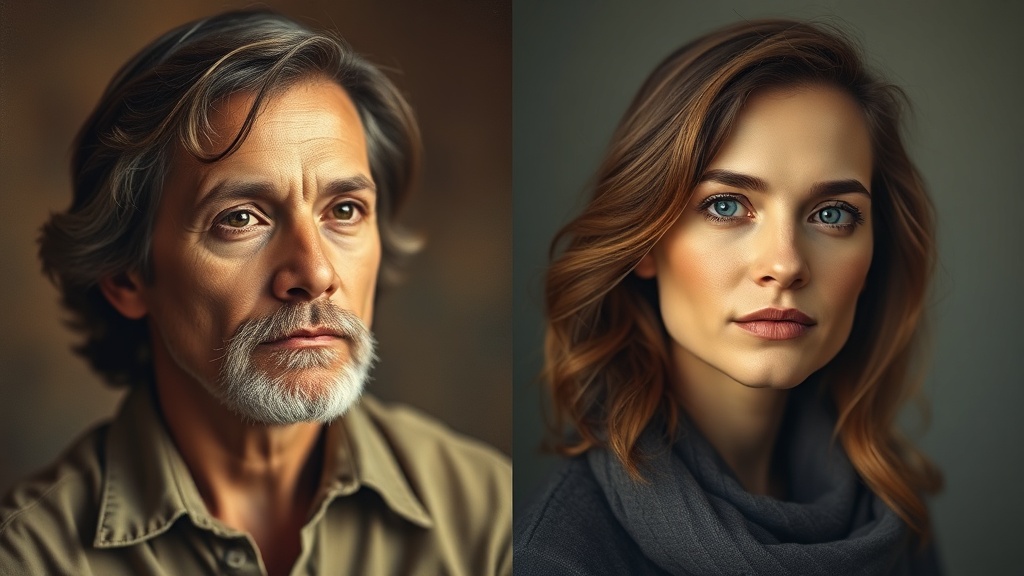
Finding reliable free AI old-photo fixers that work with one click has become a game-changer for anyone looking to digitize their family heritage without needing a degree in graphic design. These tools leverage sophisticated machine learning models to identify degradation, such as film grain, scratches, and color fading, and automatically apply corrective filters to bring vintage images back to life. Whether you are dealing with a box of dusty polaroids or a faded heirloom portrait, the current generation of AI-powered restoration software makes professional-level repair accessible to everyone.
The beauty of these tools lies in their accessibility; you no longer need complex desktop software like Photoshop to achieve decent results. Instead, developers have packaged powerful neural networks into intuitive web interfaces and mobile apps. By utilizing deep learning algorithms—specifically those trained on millions of high-quality image pairs—these platforms can "hallucinate" the missing details in a blurry face or predict the correct color palette for a black-and-white landscape.
Why One-Click Restoration is Different
Traditional photo editing requires a manual workflow: you would first adjust levels, then use a healing brush for dust, then apply a noise reduction filter, and finally color grade. One-click AI tools collapse this entire pipeline into a single inference pass. The AI acts as both the technician and the artist, analyzing the image's structural integrity before applying corrective layers.
While these tools are not magic, they are incredibly efficient for 90% of use cases. They are particularly effective at resolving "softness" caused by old camera lenses or the physical decay of chemical prints over time. By understanding how to choose the right tool for the specific type of damage your photo has, you can achieve professional-looking results in seconds.
Understanding How AI Restoration Technology Works
At the core of every free AI old-photo fixer is a Generative Adversarial Network (GAN). These networks consist of two parts: a generator that attempts to create a "restored" version of the photo, and a discriminator that compares that version to a database of high-quality, sharp images. Through millions of iterations, the AI learns to fill in gaps in data, sharpen textures, and infer vibrant colors from grayscale input.
It is important to manage your expectations regarding these models. When an AI "sharpens" a blurry face, it is effectively predicting what a clear version of that face should look like based on its training data. This is why, in some cases, the results can look slightly "uncanny" or too smooth. However, for most casual users, this trade-off is well worth the ability to see the features of a long-lost relative clearly for the first time.
Key Features to Look For
When evaluating a tool, look for three primary capabilities:
- Denoising and Deblurring: This removes the "salt and pepper" grain common in older film prints.
- Face Enhancement: A specialized sub-model that focuses specifically on facial features (eyes, teeth, skin texture) to prevent them from looking distorted.
- Colorization: Applying a natural-looking color palette to monochromatic photos, which significantly changes the viewer's emotional connection to the subject.
Comparison of Top-Tier Free Restoration Tools
Not all AI fixers are built the same. Some prioritize speed, while others offer more granular control over the final output. The following table breaks down the strengths of the most popular accessible tools currently available.
| Tool Name | Best For | Core Strength |
|---|---|---|
| Remini | Portraits | Exceptional facial reconstruction |
| VanceAI | General repair | High-resolution sharpening |
| Hotpot.ai | Scratch removal | Versatile repair options |
| MyHeritage | Family history | Specialized colorization/animation |
| Fotor | Quick edits | Intuitive, clean interface |
When choosing between these, consider your primary goal. If you are restoring a group portrait where faces are small and blurry, Remini's facial enhancement is often superior. If you have a landscape photo with heavy scratches, a tool like Hotpot.ai or an open-source alternative like GFP-GAN (if you are tech-savvy) might be more effective at tackling the physical damage to the print surface.
Step-by-Step: Restoring Your First Photo
To get the best results, your preparation matters almost as much as the AI tool itself. The AI can only work with the input quality you provide. If you are digitizing a physical photo, take the time to ensure the scan is clean and properly lit.
- High-Quality Digitization: Use a flatbed scanner if possible. If using a smartphone, place the photo on a flat surface with even, indirect lighting. Avoid using the flash, as it will create glare on the glossy surface of the print.
- Upload to the AI Tool: Navigate to your chosen web-based fixer. Upload the image in the highest resolution format available (PNG or high-quality JPG).
- Select Enhancement Level: Most tools offer a toggle for "Face Enhancement" or "Colorization." Enable these based on your needs.
- Preview and Compare: Always use the "Before and After" slider to ensure the AI hasn't introduced unwanted artifacts, such as "waxy" skin or eyes that look slightly off.
- Export and Save: Download the result immediately. Some free tools limit the number of downloads or apply watermarks if you do not create a free account, so check the terms before processing your entire collection.
Expert Tips for Superior Results
If you want to go beyond the basic "one-click" experience, there are several professional "hacks" that can improve your output. One common issue is that AI tools often over-sharpen images, leading to a digital, artificial look. A simple way to fix this is to use a photo editor to blend the "original" and the "restored" versions at 50% opacity. This retains some of the authentic texture of the original photo while benefiting from the clarity of the AI version.
Another expert tip is to perform the restoration in stages. If a photo is both scratched and faded, run it through a scratch-removal tool first, save the result, and then feed that cleaned version into a colorization tool. By breaking the process into smaller steps, you reduce the risk of the AI model getting confused by the complex combination of damage types, leading to a much cleaner final result.
Handling Colorization Limitations
AI colorization is often the most impressive feature, but it is also the most prone to error. The AI guesses the color of clothing, background, and skin based on averages. If your family photo features someone wearing a specific, unique garment, the AI might color it generically. Don't be afraid to use a secondary photo editing app to tweak the saturation or tint of the AI-generated colors to better match your actual memories of the event.
Navigating Privacy and Usage Policies
Since these tools are often free, they are usually ad-supported or rely on "freemium" models where they upsell you to a paid subscription for higher resolution or batch processing. A critical aspect of using these free services is data privacy. Most cloud-based AI tools store your images on their servers to process them.
Before uploading photos of sensitive or private moments, always check the platform’s privacy policy. Look for a clause that states they delete your images after a set period (usually 24 hours). If you are working with family archives that contain sensitive information, it is safer to use tools that process images locally on your device or those that provide clear, transparent data-handling protocols. Never upload photos that you wouldn't feel comfortable sharing in a semi-public digital environment.
The Future of AI Photo Restoration
We are currently in a golden age of image restoration, but the technology is moving toward "generative filling." In the coming years, we will see tools that can not only sharpen a blurry face but can also "reconstruct" a missing corner of a photo by analyzing the context of the surrounding image. This goes beyond simple sharpening—it is effectively digital archaeology.
As these models become more efficient, they will likely be integrated directly into our smartphone camera rolls. Imagine a button in your gallery app that says "Restore" that works natively without needing to upload your data to a third-party server. Until that standardizes, the current ecosystem of free web-based tools remains the most effective way to bridge the gap between our physical history and our digital future.
Final Thoughts
Restoring old photos is a deeply rewarding way to connect with your past, and thanks to the current accessibility of AI, you no longer need a massive budget to do it. While one-click tools are incredibly powerful, remember that they are an aid to your own judgment, not a replacement for it. By combining these smart AI fixers with a bit of manual care and smart digitization habits, you can preserve your family history for generations to come. Start with one or two of the tools mentioned above, experiment with your own photos, and see how much detail you can pull out of those fading memories today.
Frequently Asked Questions
Can these free AI tools fix heavily torn or missing parts of a photo?
Most one-click AI tools excel at sharpening, colorizing, and removing noise, but they often struggle with significant missing data or large physical tears. For severe damage, you may need a tool that supports 'inpainting' or manual retouching features.
Are these restored photos safe to print in high resolution?
It depends on the original scan quality. While AI upscalers can increase pixel dimensions, they cannot create detail that wasn't captured in the original photo, so print results will vary based on the source quality.
Do these tools keep my personal photos private?
Always check the privacy policy of the specific tool. Many cloud-based free AI services process images on their servers, so avoid uploading highly sensitive or private documents to platforms that don't guarantee image deletion after processing.

Nethmina is the founder of AI Tools Wire and an AI software developer who builds automation tools and tests new AI products hands-on every week.
📬 Get new articles by email
Subscribe for the latest AI tools, guides, and tips. No spam — unsubscribe anytime.
Related Articles
7 Best Free AI Children’s Story Creators for Custom Tales (2026)
Discover the best free AI children’s story creators with illustrations to build custom books. Learn how to generate unique tales for kids in minutes.

7 Best Free AI Email Subject Writers to Boost Your Open Rates
Discover the best free AI email subject writers to increase your open rates. Learn how to craft high-converting subject lines using these expert-tested tools.

7 Best Free AI Chatbot Creators to Automate Basic Queries
Discover the best free AI chatbot creators that handle basic queries effortlessly. Streamline your customer support and save time with these top-rated tools.