
7 Best Free AI Speech Writers for Memorable Wedding Toasts 2026
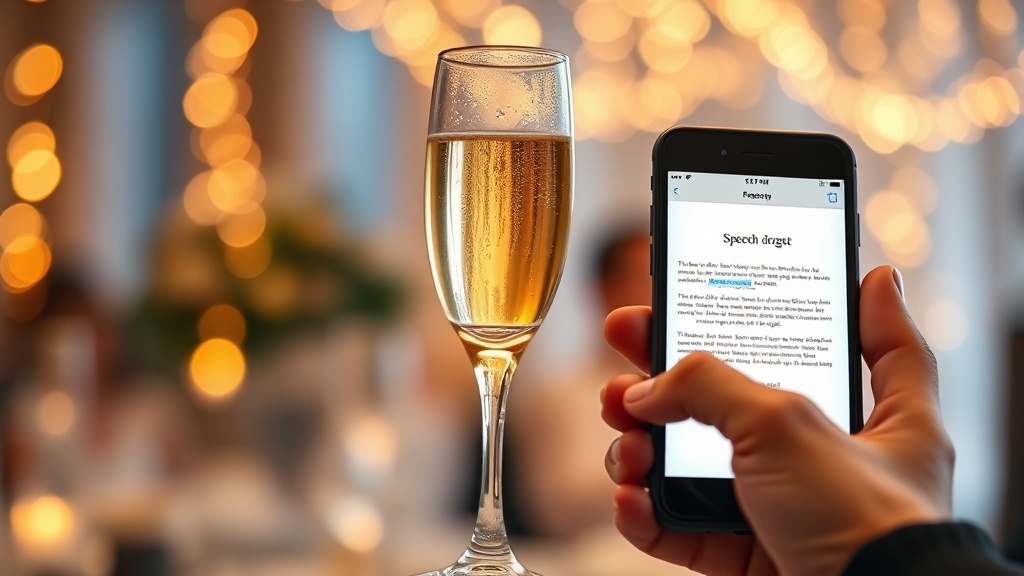
Finding the right words for a wedding toast can be nerve-wracking, but free AI speech writers have emerged as powerful tools to help you craft a memorable message without the usual writer’s block. Whether you are the best man, maid of honor, or a proud parent, these digital assistants can transform a blank page into a heartfelt, structured narrative that keeps the audience engaged and avoids the common pitfalls of rambling or awkward humor.
The Evolution of Speechwriting
Historically, writing a speech meant staring at a blinking cursor for hours or frantically searching for "wedding toast templates" on outdated forums. Today, the landscape has shifted entirely. Modern AI tools are trained on thousands of successful speeches, allowing them to understand the rhythm, pacing, and emotional beats required to pull off a toast that lands perfectly. By leveraging these platforms, you are not just getting a template; you are getting a writing partner that helps you organize your thoughts into a coherent, impactful story.
Why Use AI for Your Toast?
The primary advantage of using AI is not to replace your voice, but to amplify your intent. Most people know what they want to say but struggle with the "how." How do you transition from a funny anecdote to a sentimental closing? How do you ensure you don't go over the three-minute mark? Free AI speech writers provide the scaffolding, letting you focus on the most important part: the emotional connection with the couple.
Understanding How AI Speech Generators Work
At their core, these tools utilize Large Language Models (LLMs) that predict the next logical word in a sequence based on the context you provide. When you input details about the wedding couple, your relationship with them, and the tone you want to achieve, the AI parses this data to build a narrative arc. It understands that a wedding speech typically follows a proven structure: an icebreaker, a personal story, a compliment to the partner, and a final toast.
The Importance of Contextual Input
The quality of your output is directly proportional to the quality of your input. If you simply type "write a speech for my brother," you will get a generic, forgettable result. To get a truly memorable speech, you must treat the AI like a co-writer. Provide the tool with specific "hooks"—the time you got lost on a road trip, the way the bride always supports her partner, or a funny habit the groom has. These specific details are what the AI will weave into a professional-sounding structure, resulting in a toast that sounds like it came from you.
Balancing Automation and Authenticity
A common fear is that using AI will make your speech sound robotic. This only happens if you copy and paste the output blindly. The secret to success is using the AI to build the "skeleton" of the speech and then layering your own personality over it. If the AI suggests a joke that doesn't fit your style, delete it. If the transitions feel too formal, rewrite them in your natural speaking cadence. The goal is to let the AI do the heavy lifting of organization while you provide the soul of the speech.
Top Features to Look for in Free AI Tools
Not all AI writing platforms are created equal. When selecting a tool for your wedding toast, look for platforms that offer specific "tone" settings. A toast for a formal black-tie wedding requires a different vocabulary than a backyard barbecue celebration. Some tools allow you to toggle between "Sentimental," "Humorous," "Short & Sweet," and "Traditional."
Comparison of AI Writing Capabilities
| Feature | Basic Generators | Advanced AI Assistants |
|---|---|---|
| Tone Adjustment | Limited/None | Highly Customizable |
| Anecdote Integration | Weak/Generic | Strong/Context-Aware |
| Structure Control | Fixed Templates | Dynamic Outlining |
| Pricing Model | Always Free | Free Tier/Paid Upgrades |
| Ease of Use | High | Moderate (Requires Prompts) |
The Value of Free Tiers
Many high-end AI writing platforms operate on a "freemium" model. This is excellent for one-off tasks like a wedding speech. You can typically generate several drafts or refine your speech multiple times without ever needing to pull out your credit card. Look for platforms that allow you to export your text easily or provide a "re-generate" button so you can pivot if the first draft doesn't hit the right emotional note.
Step-by-Step Guide to Crafting Your Toast
To get the best result, follow a structured process. Start by gathering your raw materials: three stories, two specific personality traits you admire about the couple, and one clear wish for their future. Once you have these, open your chosen AI tool and follow these steps to generate a draft.
- Define the Role: Clearly state whether you are the Best Man, Maid of Honor, or Parent.
- Input the Anecdotes: Feed the AI your specific stories. Use bullet points rather than paragraphs to keep the information clear.
- Set the Tone: Specify if you want the speech to be lighthearted, deeply moving, or a mix of both.
- Generate and Review: Review the first draft. Identify where it feels "AI-generated" and replace those sections with your own phrasing.
- The "Out Loud" Test: Read the speech aloud. If you stumble over a sentence, it’s too complex; shorten it. If you run out of breath, add a pause or a period.
Avoiding Common Pitfalls
Even with the best AI assistance, a speech can fall flat if you ignore the basics of public speaking. One major mistake is over-relying on the AI's sense of humor. AI-generated jokes are often puns or generic observational humor that can feel cringeworthy. If you use a joke provided by the tool, make sure it’s one you would actually say to your friends.
The "Inside Joke" Trap
AI doesn't know who is in the audience. It might include an inside joke that is offensive to a grandparent or confusing to a college friend. Always filter your AI-generated content through the lens of your audience. If an AI suggests a story about a wild night out, ask yourself if that story is appropriate for a wedding setting. It is usually safer to use the AI to structure your sentiment than to rely on it for your punchlines.
Timing is Everything
The most common mistake at weddings is a speech that goes on for too long. AI tools often generate long, flowing prose that looks great on a page but takes ten minutes to read. A general rule of thumb is that 150 words equate to one minute of speaking. Aim for 450 to 500 words maximum. If your AI draft is longer, use the tool to "summarize and shorten" the content to fit a three-minute limit.
Expert Tips for Delivery
Writing the speech is only half the battle; the delivery is what makes it memorable. Once you have your AI-polished draft, print it out in a large, legible font. Do not rely on your phone or tablet; screens can dim, notifications can pop up, and battery issues can ruin your confidence.
The Power of the Pause
When you are nervous, you will naturally speak faster. Use your script to mark where you should pause. A good place to pause is after a heartfelt compliment or a punchline. These pauses give the audience a chance to laugh or process the sentiment, and they give you a chance to breathe and regain your composure.
Non-Verbal Communication
Remember that your body language speaks as loudly as your words. Keep your posture open and try to make eye contact with the couple for the majority of the speech. If you are terrified of looking at the crowd, focus on the couple. After all, they are the only two people whose opinion truly matters. If you lose your place, don't apologize profusely—just smile, take a breath, and find your line.
Final Thoughts
Using free AI speech writers is a modern, efficient way to ensure your wedding toast is organized, poignant, and stress-free. By treating these tools as collaborative partners rather than automated replacement writers, you can synthesize the best of technology with the warmth of your own personal memories. Focus on the core message of love and support you want to convey, let the AI handle the structural heavy lifting, and most importantly, deliver your words with sincerity. If you are ready to start, pick one of the reputable AI writing platforms, input your favorite stories, and watch as your perfect toast begins to take shape.
Frequently Asked Questions
Can an AI speech writer capture my genuine personality?
Yes, if you provide specific anecdotes and key personality traits in your prompt. AI excels at structure and flow, but your input regarding the relationship and shared memories is what makes the speech feel authentic.
Are these free AI speech tools safe to use?
Most reputable AI writing platforms are secure, but you should avoid uploading sensitive personal information like home addresses or financial details. Stick to sharing stories and general character traits to keep your privacy intact.
How much editing does an AI-generated toast need?
You should plan to edit at least 30-40% of the output. AI can sometimes sound overly formal or cliché, so adding your own voice, inside jokes, and physical cues is essential for a great delivery.

Nethmina is the founder of AI Tools Wire and an AI software developer who builds automation tools and tests new AI products hands-on every week.
📬 Get new articles by email
Subscribe for the latest AI tools, guides, and tips. No spam — unsubscribe anytime.
Related Articles
7 Best Free AI Children’s Story Creators for Custom Tales (2026)
Discover the best free AI children’s story creators with illustrations to build custom books. Learn how to generate unique tales for kids in minutes.

7 Best Free AI Email Subject Writers to Boost Your Open Rates
Discover the best free AI email subject writers to increase your open rates. Learn how to craft high-converting subject lines using these expert-tested tools.
7 Best Free AI Chatbot Creators to Automate Basic Queries
Discover the best free AI chatbot creators that handle basic queries effortlessly. Streamline your customer support and save time with these top-rated tools.