
Fliki vs Murf: Choosing the Best AI Video and Voiceover Tool
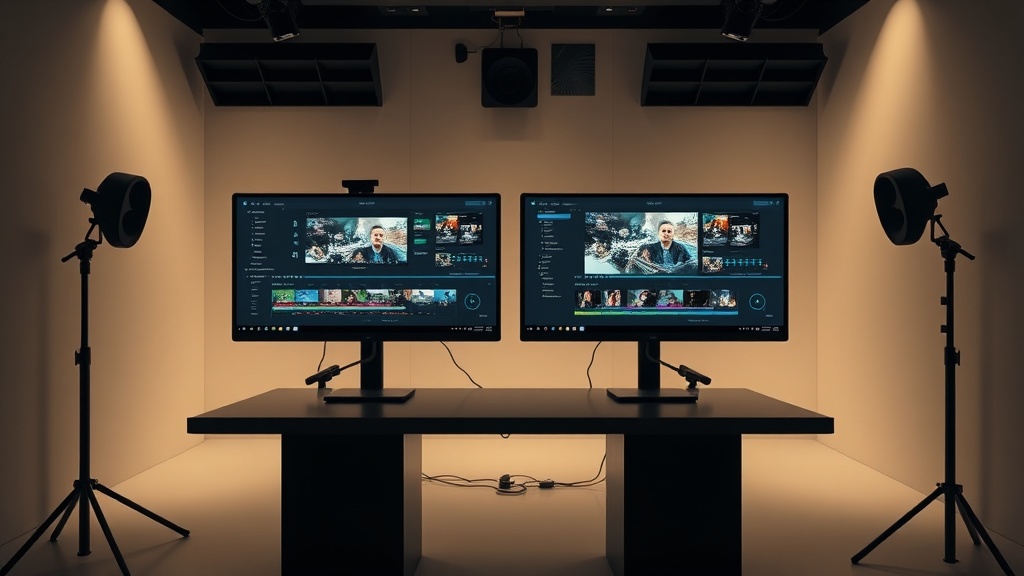
Choosing between Fliki vs Murf often comes down to whether you need a comprehensive video production studio or a specialized, high-fidelity voiceover engine. While both platforms leverage advanced artificial intelligence to streamline content creation, they serve slightly different segments of the digital marketing and creator economy. Understanding these functional differences is essential for optimizing your production pipeline and ensuring your final output resonates with your target audience.
Understanding the Core Philosophy
Fliki positions itself as an all-in-one AI video creation suite. Its primary goal is to take a text-based input—such as a blog post, a script, or even a URL—and transform it into a finished video complete with visuals, background music, and a voiceover. It is designed for speed and efficiency, catering to social media managers and marketers who need to turn around content daily.
Murf, by contrast, is a dedicated voice-first platform. While it has introduced video integration features, its "bread and butter" remains its massive library of ultra-realistic, human-like AI voices. It provides granular control over pitch, speed, and emphasis, making it a favorite for e-learning professionals, corporate trainers, and podcast producers who prioritize audio quality above all else.
Evaluating AI Voiceover Quality and Customization
The most significant differentiator in the Fliki vs Murf debate is the depth of audio manipulation. Murf provides an industry-leading level of control that allows users to tweak the "performance" of the AI voice. You can adjust the tone to sound more empathetic, authoritative, or excited, and the platform’s fine-tuning tools allow for precise control over pauses and emphasis. For long-form content like audiobooks or professional training modules, this level of polish is difficult to replicate with simpler tools.
Fliki’s voice library is robust and continues to improve, offering a wide range of natural-sounding voices across multiple languages and accents. However, it lacks the surgical precision of Murf’s editing interface. In Fliki, the focus is on the seamless integration of that voice into the video timeline. If your goal is to generate a high-quality video quickly, Fliki’s voices are more than sufficient; if your goal is to create a complex, multi-character audio drama, Murf is the clear winner.
Comparison Table: Feature Overview
| Feature | Fliki | Murf |
|---|---|---|
| Primary Focus | Full Video Generation | Professional Voiceover |
| Media Library | Extensive (Stock Photos/Video) | Limited (Focus on Audio) |
| Voice Customization | Basic (Speed/Pitch) | Advanced (Emphasis/Emotion) |
| Timeline Editor | Visual, Scene-Based | Audio-Centric |
| Best For | Social Media & Marketing | E-Learning & Corporate Audio |
Workflow and Video Assembly Capabilities
When you are building a video from scratch, the interface matters immensely. Fliki operates on a scene-based system where you input text, and the AI automatically matches it with relevant stock media. This "script-to-video" workflow is a massive time-saver. You can swap out images or video clips from their integrated library with a few clicks, making it an ideal tool for repurposing blog content into YouTube Shorts or TikTok videos.
Murf’s video capabilities are designed more for "adding a voiceover to an existing video." While you can upload your own visuals and sync them, the workflow is not as intuitive for someone trying to generate a video from a blank page. If you already have your video assets ready and you just need a professional-grade narration, Murf is excellent. If you need the AI to do the heavy lifting of finding the b-roll and arranging the scenes, Fliki is the superior choice.
Ease of Use and Learning Curve
For most users, Fliki has a shallower learning curve. Because it handles the visual arrangement for you, you can produce a decent-looking video in minutes. The UI is clean, intuitive, and minimizes the number of decisions the user needs to make. This is a significant advantage for small business owners who are not professional video editors but need professional-looking results.
Murf requires a bit more "directing." Because it gives you so many controls over how the voice sounds, you have to spend time learning how to balance the pitch, speed, and pacing to get the most natural output. While the interface is clean, the sheer number of options can be overwhelming for a beginner. However, for those who need specific output, the time invested in learning Murf’s nuances pays off in the quality of the final product.
Pricing Structures and Value Proposition
Both platforms operate on subscription models, though their value propositions differ. Fliki’s pricing tiers are generally structured around video minutes and access to premium media libraries. This makes sense for content creators who have a consistent output volume and need to manage their monthly "budget" of video minutes.
Murf’s pricing is often tiered based on the quality of the voices (e.g., access to AI Pro vs. Standard voices) and the degree of commercial rights granted. Because Murf is often used for high-stakes professional audio, their plans are designed to accommodate teams, collaborative editing, and high-fidelity output. When deciding between the two, consider whether you are paying for "video minutes" or "audio production capabilities."
Practical Use Cases for Creators
To decide which tool is right for you, consider your specific content strategy:
- Social Media Automation: If you want to churn out daily educational clips or listicles for Instagram or TikTok, Fliki’s ability to generate scenes from text is unmatched.
- Corporate Training & E-Learning: If you are producing a series of training videos where the voice quality must be perfect and consistent, Murf is the better investment.
- Podcast Production: If you need to turn written articles into audio podcasts, Murf’s voice library offers the best prosody and human-like flow.
- YouTube Faceless Channels: If you are building a channel that relies on stock footage and a narrative voiceover, Fliki will significantly reduce your editing time.
Pro Tips for Expert Results
Regardless of which tool you choose, the secret to high-quality AI content is in the script preparation. AI models, no matter how advanced, perform best when the script is written for the ear rather than the eye. Use short sentences, avoid overly complex jargon, and use punctuation to guide the AI’s natural pauses.
If you choose Fliki, use the "Media" tab to manually curate your visuals rather than relying entirely on the AI’s automatic selection. Adding your own branded assets will make the video feel less generic. If you choose Murf, spend time in the "Voice Customizer" to adjust the emphasis on key words. A well-placed pause or a slight shift in tone can turn a robotic narration into a compelling, professional-grade performance.
Final Thoughts
The decision between Fliki and Murf rests on your primary output goal. If your mission is to produce high-volume, visual-heavy content for social media with minimal friction, Fliki’s all-in-one video generation suite is the more efficient tool. It simplifies the entire pipeline, from script to finished edit, allowing you to focus on strategy rather than technical assembly.
Conversely, if your priority is the highest possible audio quality—whether for e-learning, professional narrations, or podcasting—Murf is the superior choice. Its emphasis on voice customization allows for a level of detail that Fliki simply does not reach. Evaluate your current content bottleneck; if it’s the visuals, go with Fliki. If it’s the audio fidelity, go with Murf. Start by testing the free tier of each to see which interface aligns better with your personal creative flow, and you will likely find the right fit for your workflow within a few hours of experimentation.
Frequently Asked Questions
Can I use Fliki and Murf together?
Yes, you can generate high-fidelity voiceovers in Murf and import them into Fliki for video assembly, though this adds steps to your workflow. Most users find it more efficient to stick to one platform unless they have highly specific voice requirements.
Which tool is better for professional YouTube automation?
Fliki is generally better for full-scale video production because it includes stock media integration and a timeline-based editor. Murf is superior if your primary focus is audio-first content like podcasts or e-learning modules.
Do these tools offer free versions for testing?
Both platforms typically offer a free tier or trial period that allows you to test the voice quality and basic features. It is recommended to use your own script samples to test the prosody and emotional range of the voices before committing to a subscription.
Our Rating

Nethmina is the founder of AI Tools Wire and an AI software developer who builds automation tools and tests new AI products hands-on every week.
📬 Get new articles by email
Subscribe for the latest AI tools, guides, and tips. No spam — unsubscribe anytime.
Related Articles

Synthesia vs HeyGen: Which AI Avatar Generator Is More Realistic?
Struggling to choose between Synthesia vs HeyGen? We compare these top AI avatar generators to help you find the most realistic option for your video projects.
Suno vs CapCut AI: Which Is Best for Your 2026 Creative Workflow?
Choosing between Suno vs CapCut AI? We compare these powerful tools to help you decide which is best for audio generation and professional video editing.

Perplexity vs Grok: Choosing the Best AI Search Tool in 2026
Comparing Perplexity vs Grok in 2026 to help you choose the best AI search tool for real-time data, source transparency, and conversational accuracy.