
Pika vs CapCut AI: Choosing the Best Video Editor for 2026
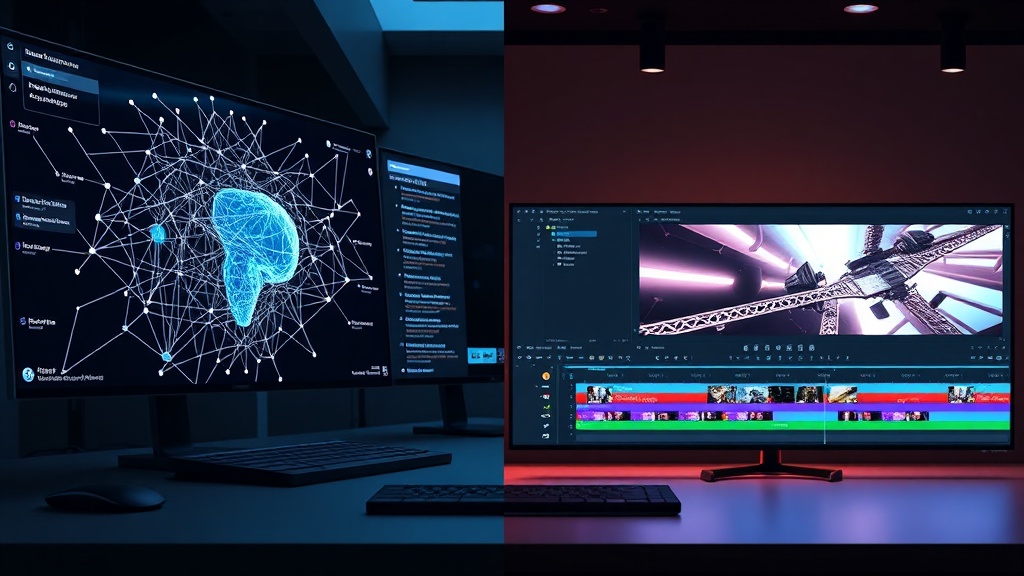
Choosing between Pika vs CapCut AI requires understanding that while both fall under the umbrella of "AI video tools," they serve fundamentally different purposes in a content creator's workflow. Pika functions primarily as a generative AI powerhouse, focused on creating video from text, images, or existing footage, whereas CapCut AI acts as a comprehensive, timeline-based editor that leverages AI to streamline the post-production process.
The Core Philosophy of Pika
Pika labs has built its reputation on the "generative" side of the spectrum. It is designed for users who need to conjure visual assets from scratch or perform complex frame-by-frame transformations. If you are looking to animate a still image, turn a text prompt into a cinematic B-roll clip, or perform "in-painting" to change an object in a video, Pika is your primary engine.
The Core Philosophy of CapCut
CapCut, owned by ByteDance, is built for velocity and social media optimization. It isn't just about creating video; it is about editing, layering, and distributing. Its AI features—such as auto-captions, background removal, and AI-driven "smart cut"—are focused on reducing the time it takes to get a polished, platform-ready video out the door.
Comparing Generative Capabilities
When we look at Pika vs CapCut AI in terms of pure generation, the two tools operate in different leagues. Pika is a specialized generative model. It excels at understanding complex prompts and applying motion to static elements. Its "Lip Sync" and "Sound Effects" features are highly specific, allowing users to make characters speak or add foley sounds to silent animations.
CapCut’s generative capabilities are more supportive. It uses AI to generate scripts, suggest video clips from stock libraries, and perform "AI writing" to help with video descriptions. However, it does not typically generate a video from a blank text prompt in the same way Pika does. CapCut is the editor that takes the clip; Pika is the artist that creates the clip.
When to Use Pika
- Creating unique background B-roll that doesn't exist in stock libraries.
- Animating product photos for social media ads.
- Experimenting with surreal, artistic, or highly stylistic video transformations.
When to Use CapCut
- Editing raw footage into a cohesive story.
- Adding dynamic, auto-generated subtitles that match the rhythm of your speech.
- Applying trending filters and transitions to maximize engagement.
Workflow Integration and Usability
The user experience (UX) of these two tools is vastly different. Pika is often accessed through a web browser or a Discord-based interface, which can feel experimental or "tech-heavy" for some users. It requires a bit of a learning curve to master the prompting syntax and the various motion parameters available in the settings.
CapCut, conversely, is designed for the masses. It is available as a desktop app, mobile app, and web editor. The interface is intuitive, following the standard non-linear editing (NLE) layout that editors are familiar with. If you have ever used iMovie or Premiere Pro, CapCut will feel familiar. Its AI features are tucked into simple buttons—"Remove Background," "Auto-Cut," or "Enhance Image"—that require zero technical knowledge to activate.
The "Speed-to-Publish" Factor
If your primary goal is to churn out daily content for TikTok, Instagram Reels, or YouTube Shorts, CapCut is undeniably faster. You can import your footage, let the AI handle the transitions, add captions, and export in a matter of minutes. Pika, while powerful, is a tool for "crafting" rather than "assembling." You might spend an hour in Pika perfecting a 5-second animation, whereas you could edit a full 60-second vlog in CapCut in the same timeframe.
Feature Comparison Table
| Feature | Pika | CapCut AI |
|---|---|---|
| Primary Use | Generative Video & Animation | Timeline-based Post-Production |
| Text-to-Video | High-end Generative AI | Limited (Stock-based) |
| Timeline Editing | No | Full NLE (Multi-track) |
| Asset Library | N/A | Massive (Music, Stickers, Fonts) |
| Social Integration | Manual Export | Direct Upload |
| Learning Curve | Moderate to High | Low (Beginner Friendly) |
The Role of AI in Post-Production
CapCut has mastered the art of "utility AI." This refers to features that solve common annoyances in video editing. For example, their AI-powered background removal is surprisingly robust for a free tool. It allows creators to film in messy rooms and replace the backdrop with something professional without needing a green screen.
Pika’s "utility" is different—it is about creative expansion. Pika’s "Modify Region" tool allows you to select a part of your video and change it. You can change the color of a shirt, add a hat to a person, or change the weather in the background. This is a game-changer for creators who realized they missed a detail during filming and don't want to reshoot the entire scene.
Professional Use Cases and Trade-offs
For professional video editors, the debate of Pika vs CapCut AI usually ends with a hybrid workflow. A high-end creator might use Pika to generate a specific, impossible-to-film shot or a stylized transition, and then import that clip into CapCut (or a professional editor like DaVinci Resolve) to integrate it into the final sequence.
Pika’s Limitations
The biggest drawback of Pika is the "hallucination" factor common in generative models. You might get a beautiful 3-second clip, but the physics of the objects might look slightly off, or the textures might shift unnervingly. It requires patience and multiple generations to get a "perfect" clip.
CapCut’s Limitations
CapCut’s reliance on cloud-based AI can be a bottleneck. If your internet connection is unstable, features like auto-captioning or background removal can become frustratingly slow. Additionally, because it is a mass-market tool, there is a risk that your content looks "too similar" to thousands of other creators using the same trending AI effects.
Pricing and Accessibility
Most AI video tools operate on a "freemium" model. Pika typically offers a credit-based system where you earn or purchase credits to generate videos. This makes it scalable for hobbyists but potentially expensive for heavy, enterprise-level use.
CapCut offers a generous free tier that includes almost all of its core AI features. Its "Pro" subscription is primarily for unlocking premium assets, advanced cloud storage, and higher-tier export settings. For the average creator, the barrier to entry for CapCut is effectively zero, whereas Pika requires a strategic approach to how you spend your generation credits.
Expert Tips for Success
If you decide to use Pika, stop thinking in terms of "editing" and start thinking in terms of "prompt engineering." Your result is only as good as your description of the motion, lighting, and camera angle. An expert tip: use reference images inside Pika. Uploading a high-quality photo and asking the AI to animate it will always yield better results than trying to describe a complex scene from scratch.
When using CapCut, take advantage of the "AI Script to Video" feature for brainstorming, but always rewrite the output. The AI tends to follow generic tropes; adding your own personal voice to the script is what will differentiate your content from the sea of AI-generated noise. Use the AI to save time on the technical stuff, but keep your human creative "soul" in the narrative.
Final Thoughts
The choice between Pika vs CapCut AI isn't about which tool is "better," but rather what stage of the creative process you are in. If you are in the "ideation and creation" phase—where you need to build visuals from nothing or fix specific shots—Pika is an indispensable creative partner. If you are in the "assembly and polish" phase—where you have footage and need to make it engaging, shareable, and professional—CapCut AI is the market leader.
Many successful creators now use both: Pika to generate the "impossible" clips and CapCut to weave them into a high-impact narrative. Start by experimenting with Pika’s generative capabilities for your next creative project, then bring those assets into CapCut to see how they fit into your standard editing workflow. By mastering both, you gain the ultimate creative advantage in 2026.
Frequently Asked Questions
Can I use Pika for long-form video projects?
Pika is primarily designed for generating short, high-quality clips and animations. While you can stitch these clips together in a traditional editor, it is not a long-form timeline-based editor like CapCut.
Is CapCut AI better for professional social media content?
Yes, CapCut is widely considered the industry standard for social media due to its vast library of trending effects, subtitles, and direct integration with platforms like TikTok.
Do I need a powerful computer to run these AI tools?
Both platforms are primarily cloud-based, meaning the heavy lifting happens on their servers. You can run them on most modern laptops or tablets with a stable internet connection.
Our Rating

Nethmina is the founder of AI Tools Wire and an AI software developer who builds automation tools and tests new AI products hands-on every week.
📬 Get new articles by email
Subscribe for the latest AI tools, guides, and tips. No spam — unsubscribe anytime.
Related Articles

Fliki vs Murf: Which AI Produces More Natural Voiceovers?
Struggling to choose? Our expert Fliki vs Murf comparison breaks down voice quality, customization, and features to help you pick the best AI voice generator.
Descript vs HeyGen: Which AI for Talking-Head Videos in 2026?
Choosing between Descript vs HeyGen for your talking-head videos? We break down features, AI quality, and workflows to help you pick the right tool for 2026.
Pictory vs Synthesia: 2026 Guide for AI Training Videos
Choosing between Pictory vs Synthesia for your training videos? Discover which AI tool best fits your corporate learning needs with our expert breakdown.